



I began the Tidy Bytes project out of a personal need to organize my own digital life. Of course, I didn't have a solid idea of what I wanted to build, especially early on, or even that I would create such a community. But I knew I wanted to get my bits and bytes under control. I knew the longer I waited, the harder that process would be. I discovered along the way that my goals resonated with lots of people. They, too, felt overwhelmed by various aspects of their technology and accumulated data and desired a way to manage their digital lives. Unsurprisingly, one of the most common pain points that arise from discussions with others is photo organization.
There's quite a bit of general information on the Tidy Bytes website so far, but I want to shake things up a bit and make something more than just a bunch of how-to articles or lists of tips: Jeff's Journey.
I've managed to conquer a lot of my data mess already, but I still have many areas that need work—sometimes a lot of work. My own photo collection is one of those areas. So, this post will kick off a new compilation of articles that describe in detail how I'm dealing with my data, starting with my photos and videos.
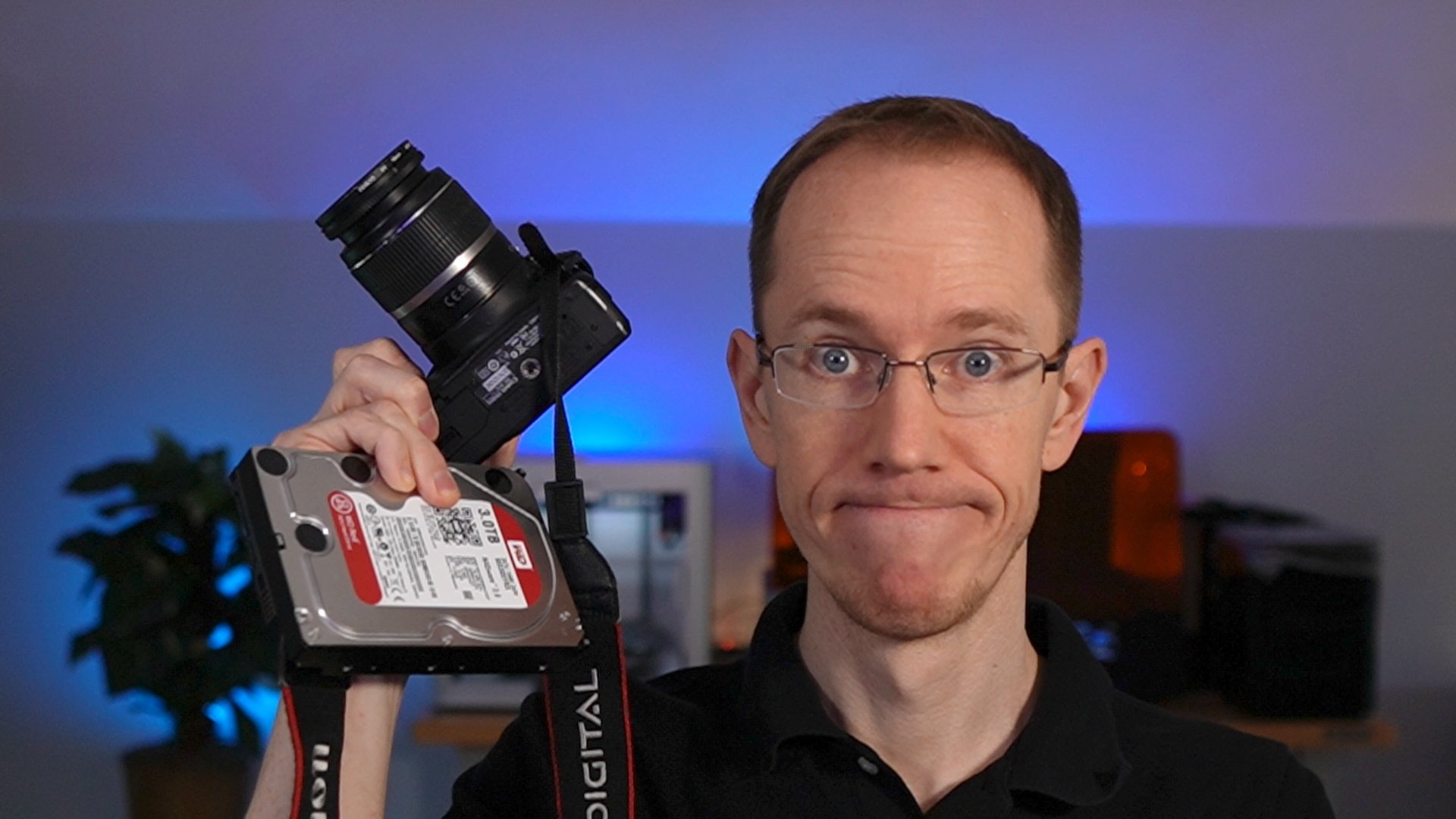
By walking through what I'm actually doing behind the scenes as it happens, I plan to share a bunch of real-world examples of how digital organization can work, even with enormous sets of data. (I honestly do have over a million photos and videos.) I hope to make these posts interesting and instructional, but also funny and relatable.
Join me as we walk through this photo-organizing journey together!
Preparation: Determine the Goal
Before I actually start working on any first steps, I want to clarify both for myself and for you what I want to accomplish. After all, if I don't know that, then how will I know when I'm finished? How will I decide what steps are correct in the first place?
Fortunately, this isn't hard. All I have to do is figure out what I don't like about my current photo situation, then aim for the opposite.
Problems to Fix:
Here are all the bad things I want to fix. Maybe you can relate to some of these:
- Way too many photos in general
- Multiple duplicate sets of the same images
- Photos spread all over the place on different devices or media
- Many low-quality or pointless photos
- Poor or non-existent backups
- No curation; hard to find specific photos, subjects, or events
- No obvious/automatic organizational system for efficiently sorting new photos
Goals to Target
Now we just take the list above and invert everything:
- Much smaller quantity of photos (target 10% or less of original set)
- Exactly one copy of each retained image (aside from intentional and complete backup sets)
- Single centralized master storage location for all photos and videos
- No low-quality or pointless photos left in collection
- Automatic and regular complete backups in place
- Photos tagged by subject matter and organized by date and event (where applicable)
- Clear structure in place and a clear, efficient process for getting new photos into that structure
I know these will be challenging to achieve, but now I have a set of explicit objectives to work toward. Even just this much progress is motivating!
Onward!
IFO Step 1: Identify your Photos
Those of you familiar with earlier Tidy Bytes concepts already know that you can attack any digital organization project with the IFO Method: a simple three-step process to objectively take your data from chaos to order. So, naturally, I'm going to start with the Identify step.
Digital vs. Print Photos
I had a cheap film camera or two in my youth, but my printed photos make up only a tiny fraction of what I have to organize, so I'm basically ignoring them right now. All three dozen or so 4x6 prints are still across the country at my parents' house, anyway. If you have printed photos that you want to organize as well, you should digitize them first (either yourself or with a paid service), then proceed once you have digital copies.
No Digital Stone Unturned
I started generating (and collecting) digital photos around the very late '90s. My photography accelerated after a few more years, then jumped even more after I met my (now) wife in 2004, then got married in 2009, went on some business trips to interesting places, and had a kid in 2014, and then another one a few years later. You know how it goes. Photos, photos, and more photos!
Digital photography is even harder to keep in check since you don't have to pay every time you want the film developed and you can practically take as many shots as you want without running out of space! Of course we've all found ourselves buried in photos today.
Anyway.
These digital image files originated on half a dozen different cameras, usually stored on CompactFlash or SD cards before being transferred to my current computer's hard drive, an external backup drive, a cloud storage service, or any combination of those. I usually upgraded my computers once every few years or so, and cameras in between. Then smartphones with phenomenal cameras came onto the scene and into my possession, and suddenly there were even more places to tuck those digital images away.
I tried to avoid complete digital chaos along the way, of course, by attempting not to have little pockets of images all over the place but instead choosing one main location for everything. However, with this goal in mind, I didn't do it thoroughly enough to make Future Jeff happy with the result. Many computer or smartphone upgrades left the old device's data in a copied subfolder like "OldDesktop" or even just sitting on the original machine's hard drive, waiting for a good time to get cleaned and sorted.
[NARRATOR: Unfortunately, "a good time" never came.]
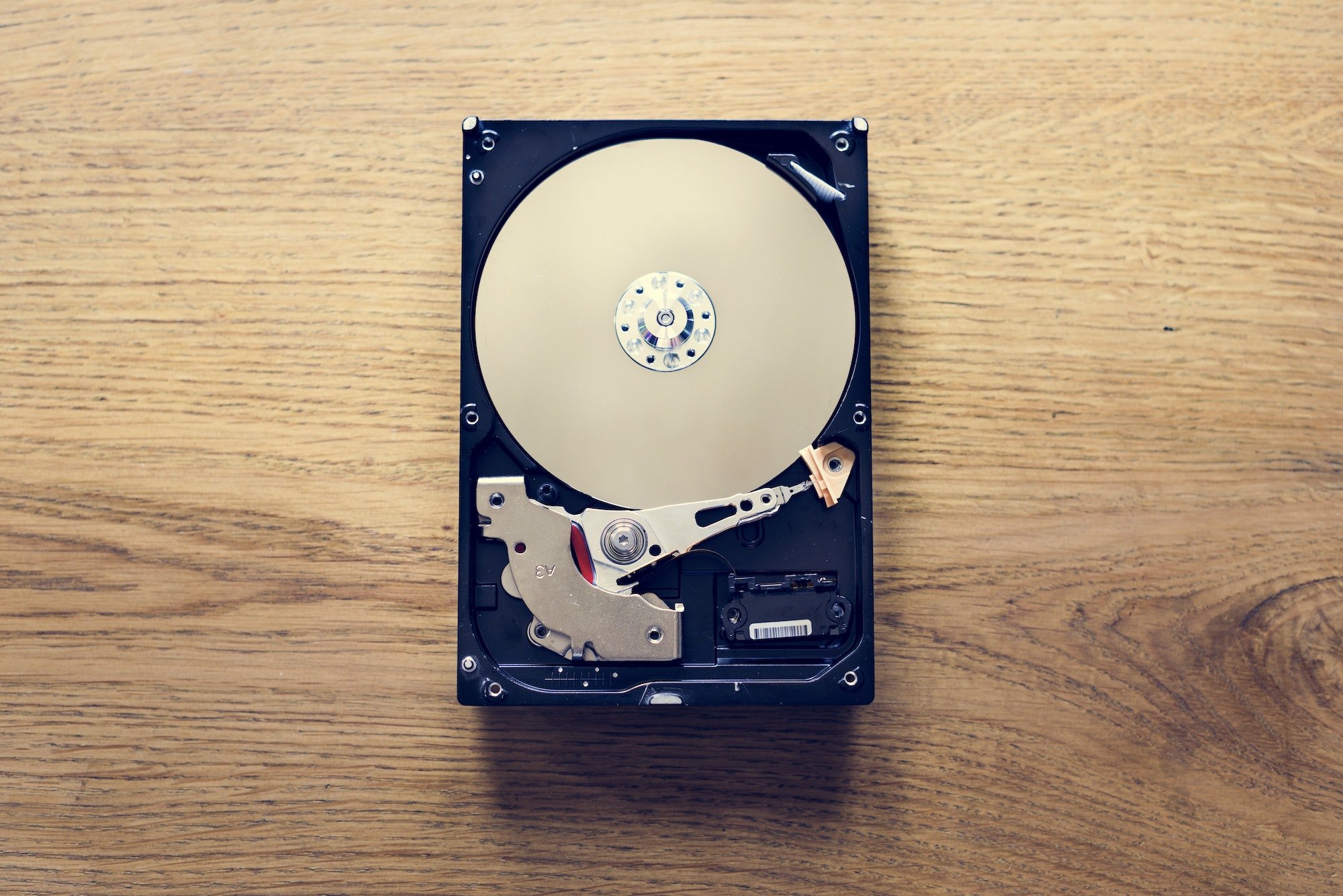
So, instead of perhaps two or three logical places where my photos might ideally have lived, I have dozens:
- Old smartphones sitting in a cabinet
- Old laptops sitting in that same cabinet
- Internal computer hard drives removed from older tech
- External hard drives bought as backup devices
- Miniature USB flash drives
- CDs or DVDs burned as backups or given by friends
- Attachments to emails and text messages
- Multiple cloud storage/sync services
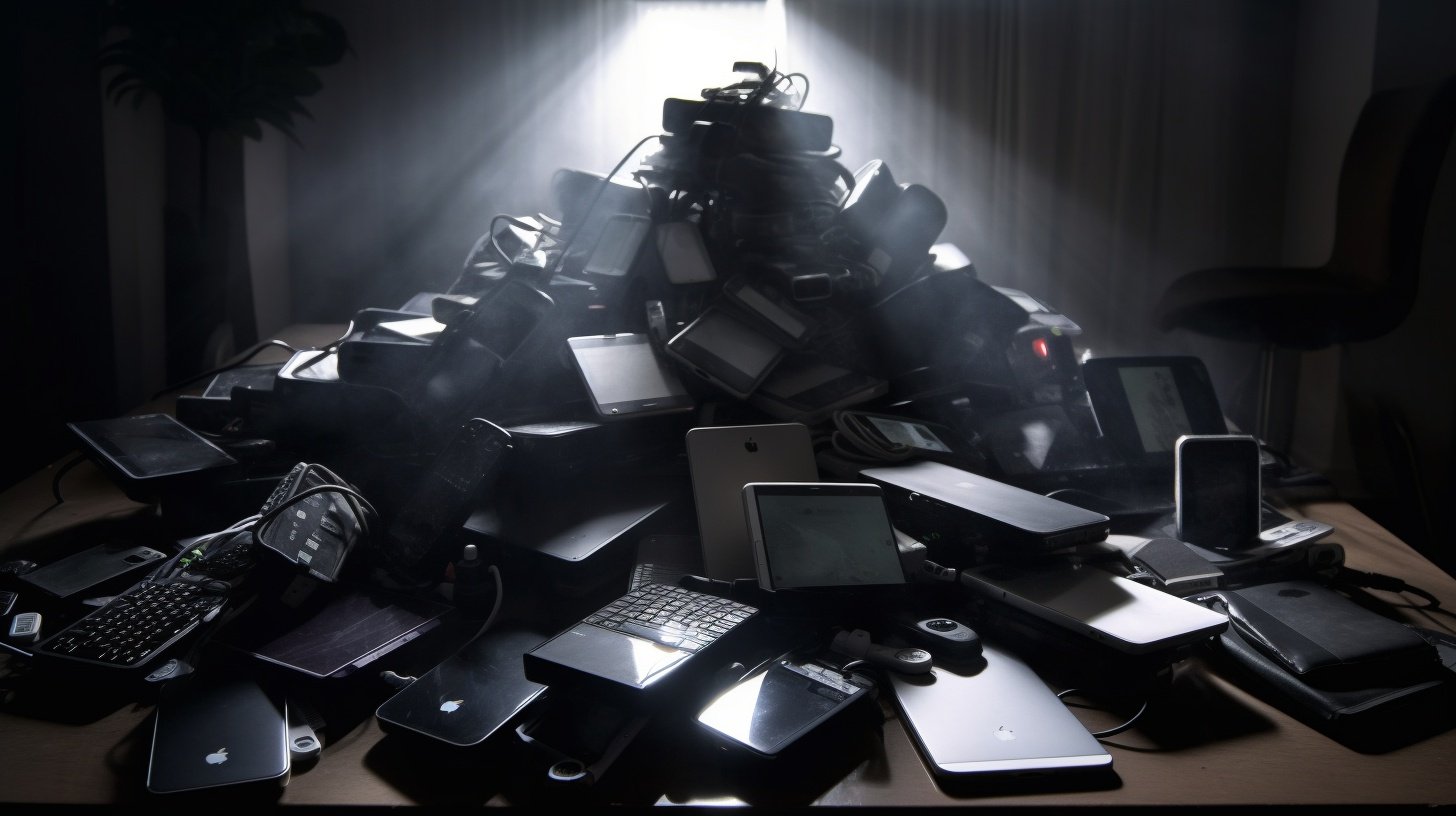
It's not a heartwarming prospect. However, at least it's a place to start!
Today's Goal: Make the List
To accomplish the all-important first step in the IFO Process, all I need to do is identify what I have and where it is—nothing more just yet. See, this is an achievable step, right?
So let's get started, for posterity's sake:
- Desktop computer
- 3 drives have photos/videos
- 1 drive has only unrelated files
- Laptop computer
- 1 drive, all photos/videos are mirrored to desktop
- External hard drives
- 3 USB hard drives, may have photos/videos
- Internal hard drives
- 8 desktop hard drives (!!), may have photos/videos
- 13 laptop hard drives (!!!), may have photos/videos
- USB flash drives
- 13 flash drives of various capacities, some may have photos/videos
- Flash storage cards
- 4 SD cards from Canon digital camera, some may have photos/videos
- 8 micro SD cards from Raspberry Pi experiments, none have photos/videos (whew!)
- Cloud storage/sync services
- Google Photos, absolutely full of photos and videos
- DropBox, some photos shared or synced for small project-specific backups
- iCloud, some photos synced for family sharing
- OneDrive, photos and videos synced as part of automatic PC backups
As of this moment, I think that list comprises everything I have photo-wise. And good grief is it a big list. But it's still progress! Now that I have that ready, I can move ahead to the "filter" step. But that's a post for another week.